
CareClinic for Web
Track symptoms, medications, and health changes online
Use a current browser on a desktop, laptop, or tablet to manage a condition, record symptoms and medications, and review your health history. Sign in with the same account you use on mobile.
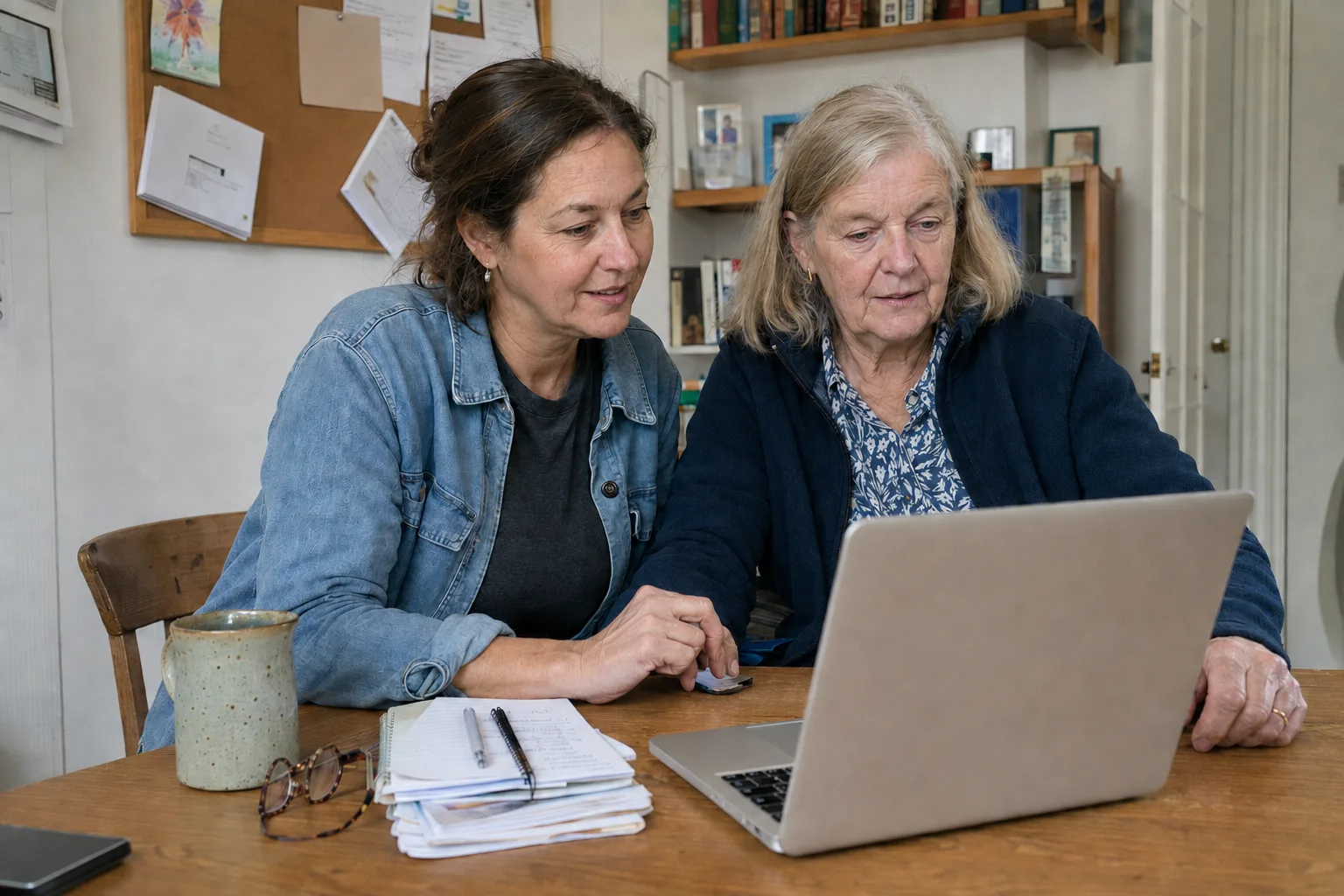
Today and reminders
Know what is due before the day gets busy
See medication doses and daily check-ins in time order. Keep each action connected to the care plan it supports.
- See what is due nextReview medication doses and daily check-ins in time order.
- Record it when it happensMark a dose or complete a check-in while the details are fresh.
- Keep the day connectedEach completed item joins the same health history for later review.

Daily check-in
Record details while they are still fresh
Log severity, timing, doses, measurements, possible triggers, sleep, and notes in one check-in. Choose only the trackers you need that day.
- SymptomsSeverity, time, body location, and notes
- MedicationsDose, strength, time, and whether it was taken
- MoodA rating, time, and note about the day
- SleepDuration, interruptions, quality, and notes
- Daily contextMeals, activity, possible triggers, and diary notes




Timeline
Review the sequence around a symptom change
Filter the Timeline by care plan or date range to see what you recorded before and after the change.

- DiaryFragrance exposure, then recovery.
- MoodCalm and focused, mood 7 out of 10.
- ActivityGentle walk after symptoms settled.
- SymptomsAbdominal cramps, severity 2 out of 10.
- SymptomsItching, severity 3 out of 10.
How do I find a pattern in my symptoms?
Start with a focused question, then use the history to check what actually repeated.
Review symptoms, medications, measurements, meals, activity, sleep, and notes together in time order. The Timeline records events. It does not identify their cause.
Look across several days for repeated timing around one medication, activity, meal, or sleep change. Keeping the question narrow makes the record easier to interpret.
Choose the period and care plan that matter, then review the entries or report you want to discuss. A focused history is easier to use than a full account export.
Care plans
Keep each condition's routine clear and reviewable
When symptoms, medications, measurements, and reminders sit in separate lists, the routine is harder to review. Use the web app to view plans, create a plan, and edit basic plan details. Tracker and schedule controls vary by the care-plan route you open.
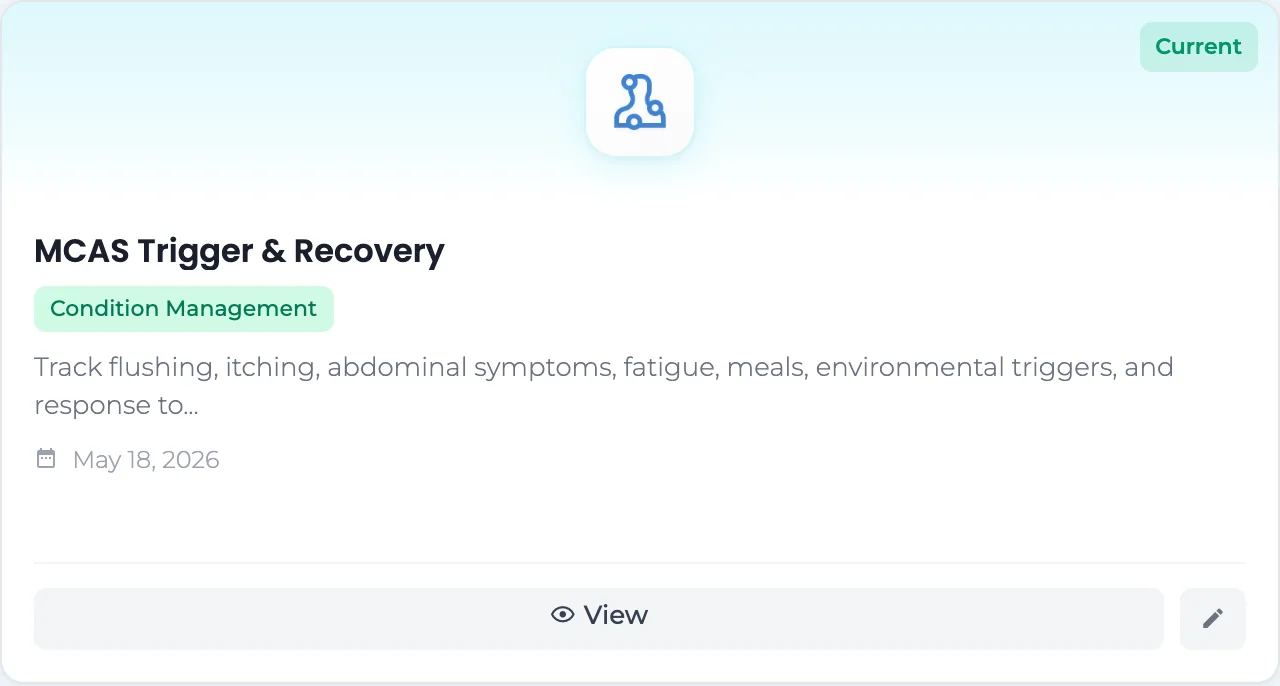

Before an appointment
Bring a clearer health history to your next appointment
Review when a condition started, what changed, and which routine you followed without rebuilding the story from memory.

Care team
Choose what to share with each caregiver
Save contact details and roles, then review the separate choices for care-plan access, reports, and notifications before saving each caregiver.

Health data connections
Connected data reaches the same health record
Apple Health connects through the mobile app because a browser cannot read it directly. Other supported services can add data after you connect them.

Apple Health
Connect on a supported iPhone or iPad. Review supported sleep, activity, measurement, and glucose data in the web record.
Connect through the mobile app
Health Connect
Add supported activity, sleep, body, hydration, nutrition, and measurement data from Android.
Connect through the mobile app
Google Fit
Existing connections can add weight, blood pressure, height, walking activity, and steps.
Review imported activity and measurements on the web
Fitbit
Add supported sleep, activity, weight, heart, breathing, fitness, and water data.
Connect through the mobile app
Dexcom CGM
Connect a Dexcom account to add glucose readings and trends.
Connect from the web platform
Oura Ring
Connect an Oura account to add sleep, activity, readiness, and temperature-deviation data.
Connect from the web platformAvailable data depends on the connected service, device, permissions, and information present in the source account.
Use the screen that suits the task
Review longer records with more room to read
Open the web app on a desktop, laptop, or tablet when you want more room for a Timeline, care-plan details, or an appointment review.
For a direct shortcut from supported browsers, see the CareClinic browser extensions.
Privacy and control
Your health record stays under your control
Your account uses encrypted connections and controlled sharing. You choose what to track and review the access selected for each caregiver.
Read about data securityQuestions about tracking health in a browser
Can I use CareClinic on a computer?
Yes. CareClinic for Web runs in a current browser on a desktop, laptop, or tablet. No download is required, but you need an internet connection.
Does the web app use my existing CareClinic account?
Yes. Sign in with the same account to reach your existing entries and health history. New browser entries join that same record.
What can I track in a browser?
You can record symptoms, medications, measurements, mood, sleep, daily routines, and notes. Choose only the trackers needed for each check-in.
Can I manage care plans on the web?
Yes. The web app supports viewing, creating, and basic care-plan edits. Tracker and schedule controls vary by the care-plan route you open.
How can I review changes over time?
Filter the Timeline by care plan or date range. It combines dated tracker entries so you can review what happened and when.
Can I use the web platform offline?
No. The web platform needs an internet connection.
How does Apple Health data reach my web record?
Apple Health connects through the mobile app, not directly through the browser. Supported data can then appear in the same account.
What can a caregiver receive?
You choose the care plans, reports, and notifications to share before saving a caregiver. Review those selections before granting access.
Stop rebuilding your health history from memory before every appointment
Keep a dated record of symptoms, doses, sleep, and possible triggers ready to review when your doctor asks what changed.